L444 Com Login — Account Entry

L444 login gives you full access to your gaming profile, betting history, deposits, withdrawals, and bonus rewards. The process takes under 30 seconds on both the website and the mobile app. This guide explains every login method available on L444.com - including phone number entry, social login via Facebook and Google, biometric access, and what to do when something goes wrong.

What You Get After Logging In

Once you complete the L444 login, the full platform opens: balance in BDT, access to 15,000+ games, live sports betting, deposit and withdrawal functions, VIP status tracking, bonus rewards, and 24/7 support chat. Without logging in, none of these functions are available - your account is the central hub for everything on L444.com.

Key sections accessible after login:

  • Balance and transactions - current BDT balance, deposit history, withdrawal status
  • Game history - all bets, results, and session records
  • Reward Center - active coupons, weekly bonuses, spin wheels
  • VIP panel - current level, upgrade progress, monthly cashback
  • Support - direct chat with 24/7 Bangladesh support team
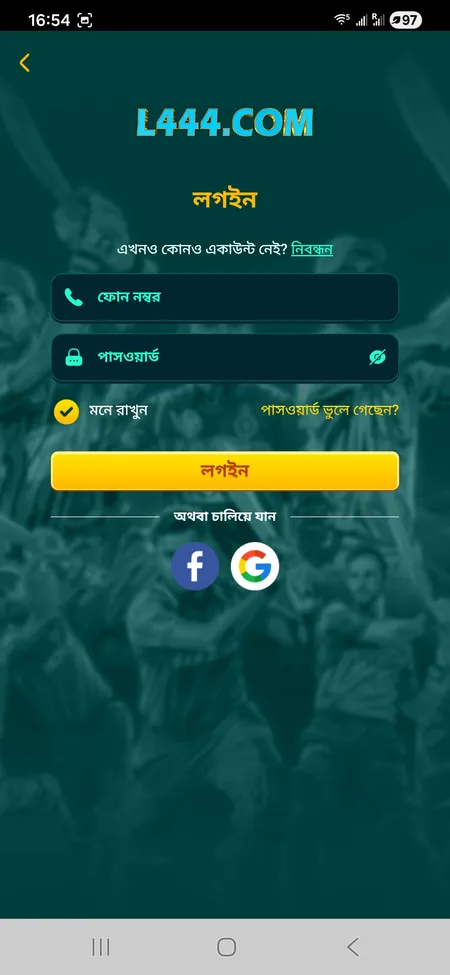
L444 login form with phone and password fields

The L444 login screen: phone number field (11 digits), password, Remember Me checkbox, Forgot Password link, and social login buttons for Facebook and Google.

Login Form Structure on L444.com

The login screen on L444 is straightforward. Here is what each element does:

Field or Option Purpose
Phone number (11 digits) Your registered mobile number in Bangladesh
Password Account password set during registration
Remember Me (মনে রাখুন) Keeps session active on this device
Forgot Password link Initiates password reset via support
Login button (লগইন) Submits credentials and opens your account
Facebook / Google buttons One-click social login if linked at registration

The login button is labeled লগইন in Bengali. If you registered with a Facebook or Google account, use those buttons directly - no phone number required for that path.

Go to L444 Login Page

Step-by-Step Login Process

Follow these steps to sign in on the L444 website:

  1. Open l444.org in your browser.
  2. Tap the লগইন button in the top-right corner of the homepage.
  3. Enter your 11-digit Bangladesh mobile number in the phone field.
  4. Type your password in the second field.
  5. Check মনে রাখুন (Remember Me) if you are on a personal device.
  6. Press লগইন to complete the process.

If credentials are correct, you land directly on your account dashboard with balance and navigation visible. The entire process takes under 20 seconds on a stable connection.

Login via Mobile App

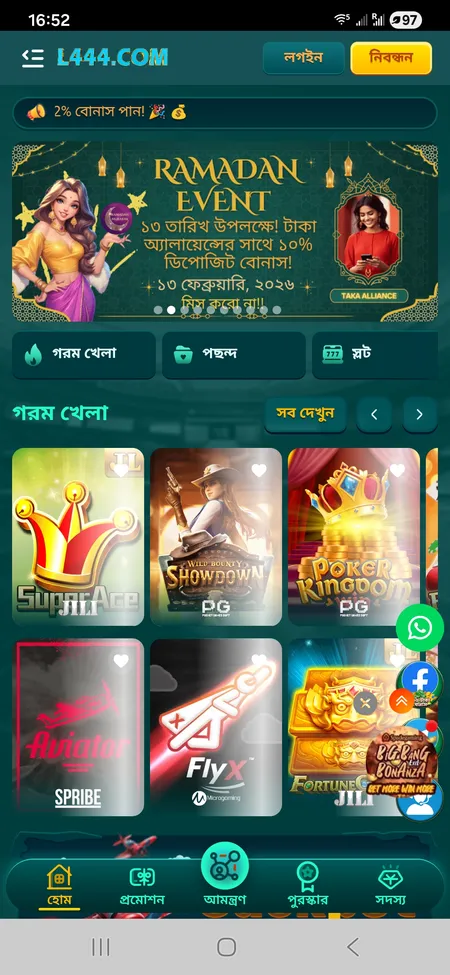
  1. L444 app home screen

    Open the L444 app on Android or iOS. The home screen displays Login and Register buttons in the header.

  2. App login form on L444

    Tap Login. Enter your phone number and password. You can also use Face ID or fingerprint if biometric login is enabled on your device.

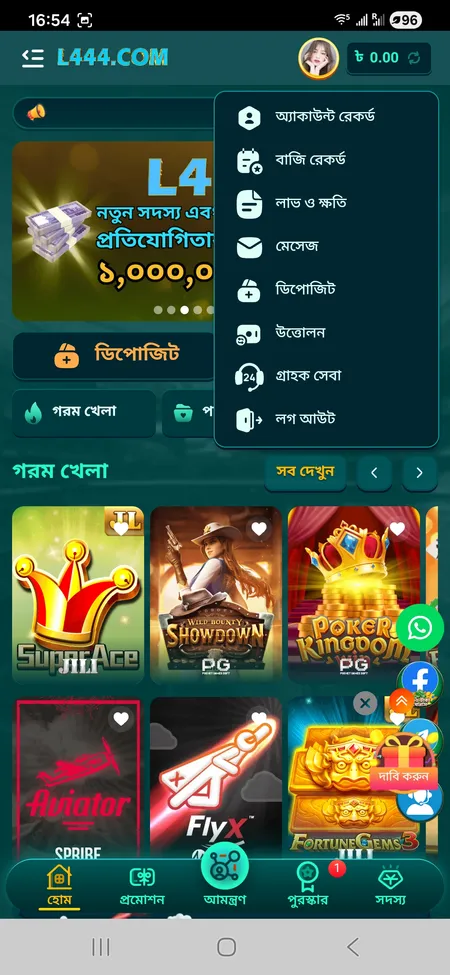
  3. L444 account menu after login

    After successful login, the account menu appears in the header. Balance, Reward Center, and all navigation sections are now active.

Login on Different Devices

L444 supports access from all major platforms without requiring different credentials:

Device Method Notes
Desktop browser Full website at l444.org All features available
Mobile browser Same URL, responsive layout Works on Chrome and Safari
Android app APK downloaded from l444.org Biometric login supported
iOS (lite app / PWA) Add to home screen via Safari Face ID supported

The same phone number and password work across all devices. Sessions do not interfere with each other - you can be logged in on both a phone and a desktop simultaneously.

Ready to play? Log in to L444 now and access 15,000+ games, live sports, and your active bonuses.

How to Recover Your Password

If you forget your L444 login password, the reset process goes through the support team:

  1. On the login screen, tap পাসওয়ার্ড ভুলে গেছেন? (Forgot password).
  2. You will be directed to contact the 24/7 support team via live chat or Telegram.
  3. Verify your identity using your registered phone number.
  4. Support will guide you through setting a new password.

There is no automated email reset link - all password recovery at L444 is handled by the support team directly. This is standard procedure for platforms using phone-based registration. Contact options: live chat on the site, Telegram at @L444officialchannel, or WhatsApp.

When creating a new password, use a combination of letters and numbers. Avoid reusing passwords from other platforms.

L444 support operates 24/7 in both Bengali and English. Password recovery requests are typically resolved within 2-5 minutes during active hours.

Common Login Problems and Fixes

Most login issues on L444 have straightforward solutions:

Wrong password - Double-check caps lock and language input. Bengali keyboard layouts can insert unexpected characters into password fields.

Number not recognized - Make sure you are entering the same 11-digit number used at registration. Some users have multiple numbers and register with one while trying to log in with another.

Page not loading - L444.com may be temporarily inaccessible in Bangladesh due to ISP filtering. Use the mirror domain l444.org or l444.bet. A VPN may also help.

Outdated app version - If the Android APK was installed months ago, some features including login may break. Download the current version from the L444 app page.

Session expired - If you cleared browser cache or cookies, the Remember Me session ends and you need to log in again manually.

Account locked - Repeated failed login attempts may trigger a temporary lock. Contact support to unlock.

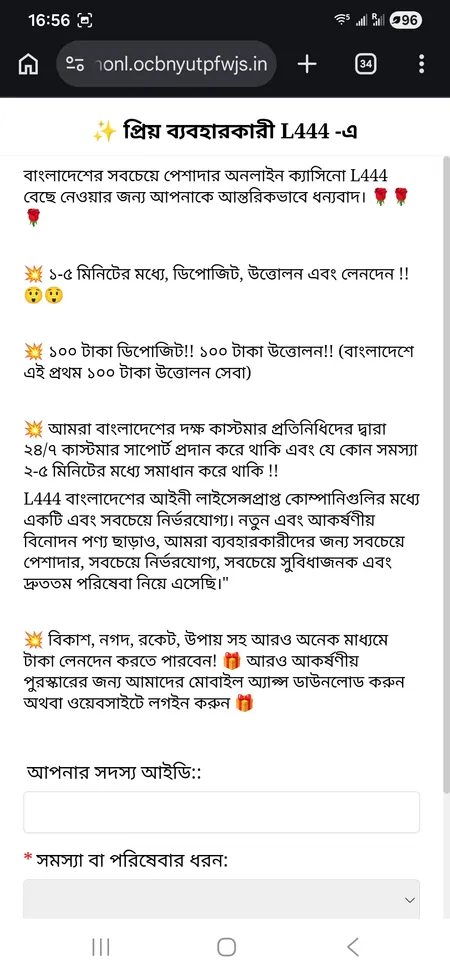
L444 support page for login help

L444 support is available 24/7 via live chat. Use it for password recovery, login issues, or account verification questions.

Session Management and Security

L444 uses SSL encryption on all connections. Here is how sessions work:

  • Remember Me enabled: session persists until you manually log out or clear browser data.
  • Remember Me disabled: session ends when you close the browser tab.
  • App login: session stays active until you tap logout in the account menu.

For security, L444 tracks login activity. If a new device attempts to access your account, the platform may flag it. The anti-fraud system also monitors multiple accounts sharing the same IP address or phone number - this is treated as a policy violation according to L444 rules.

Recommended security practices:

  • Use a unique password not shared with other platforms.
  • Avoid logging in from public Wi-Fi networks (cafes, airports).
  • Never share your password or transaction PIN with anyone - L444 staff will never ask for this.
  • Log out from devices you do not regularly use.

KYC verification may be required before processing withdrawals. If support requests identity documents (NID or passport), this is part of the standard verification flow and protects your funds.

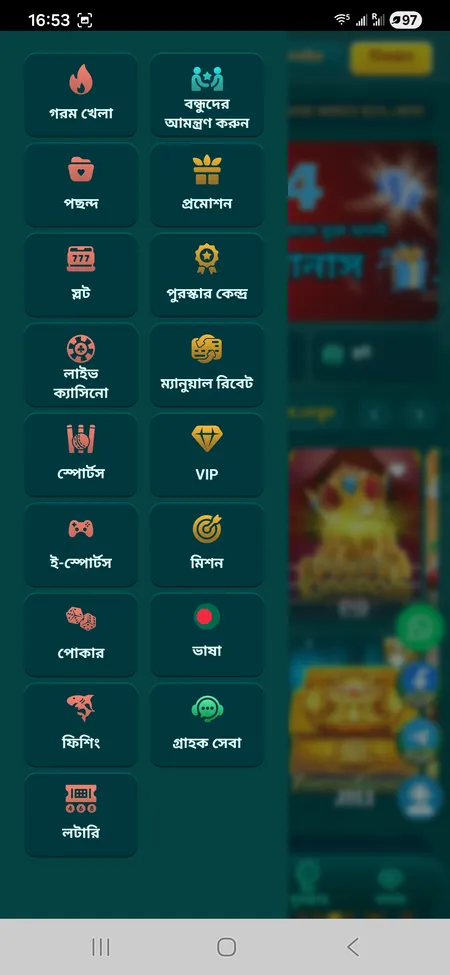
L444 app menu with account access

Biometric Login in the App

The L444 Android and iOS apps support fingerprint and Face ID login. After your first manual login, go to account settings and enable biometric access. On subsequent sessions, one touch or glance opens your account instantly. This is the fastest login method and also more secure than typing a password on a shared device.

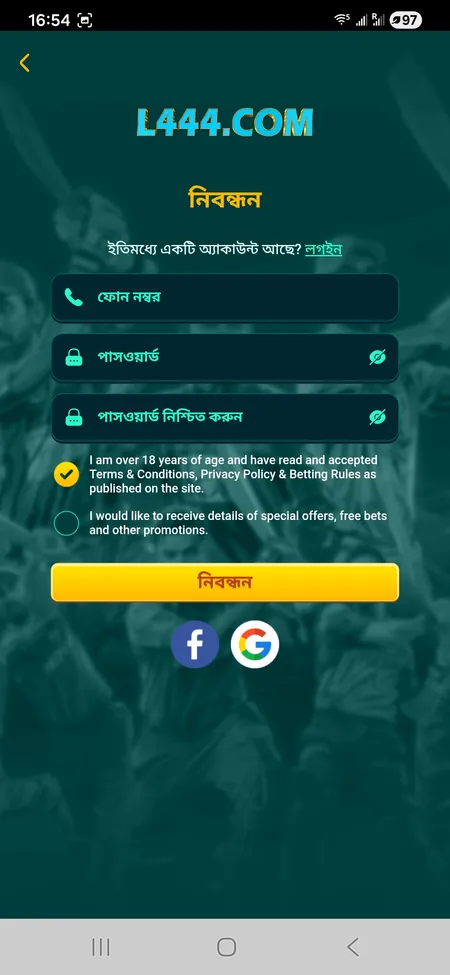
L444 registration with social login options

Social Login via Facebook and Google

If you registered using Facebook or Google, use those buttons on the login screen instead of entering a phone number. The social login path skips manual credential entry entirely. Note: if you later want to add a phone number to your account, do this through profile settings or contact support.

Access L444 Account

Logging Out of L444

To log out, open the account menu (top-right profile icon) and scroll to the bottom. Tap বের হয়ে যান (Logout). This ends your current session on that device.

If you need to log out from all devices at once - for example after losing your phone - contact L444 support immediately. The team can invalidate all active sessions and help you secure the account before issuing a new password.

After logout, your balance, history, and bonuses remain intact. Nothing is lost by ending a session. The next login restores everything exactly as you left it.

FAQ: L444 Login

What do I enter as my username on L444?

L444 uses your 11-digit Bangladesh mobile number as the login identifier. There is no separate username field.

Can I log in with a Facebook account?

Yes. If you registered via Facebook or Google, use those social login buttons on the login screen. No phone number entry needed.

What happens if I enter the wrong password several times?

Repeated failed attempts may temporarily lock your account. Contact 24/7 support via live chat or Telegram to unlock it.

How do I reset my L444 password?

Tap 'Forgot Password' on the login screen and contact support. Verify your registered phone number and the team will help you set a new password within minutes.

Does L444 support fingerprint login?

Yes. The Android and iOS apps support fingerprint and Face ID. Enable biometric access in account settings after your first manual login.

Why is the L444 site not opening in Bangladesh?

ISP filtering sometimes blocks the main domain. Try mirror domains such as l444.org or l444.bet. A VPN can also restore access.

Can I be logged in on multiple devices at the same time?

Yes. You can be logged in on a desktop browser and the mobile app simultaneously without any conflict.

Is my login session secure?

L444 uses SSL encryption on all connections. Sessions are tied to your device. Enabling Remember Me keeps you logged in until manual logout or cache clearing.

What should I do if I think someone else accessed my account?

Contact L444 support immediately. They can invalidate all active sessions and help you change your password and secure the account.

Where is the login button on the L444 website?

The লগইন button is in the top-right corner of the homepage on l444.org. On mobile, it appears in the same position in the site header.

Online gambling is subject to local regulations in Bangladesh. Players are responsible for understanding and complying with applicable laws. L444 operates under a Curacao license (365/JAZ). Always play responsibly. Platform is restricted to users aged 18 and above.

Log in to L444 and access your full account: games, bonuses, deposits, and the VIP reward system - all in one place.